Hallboard

Your home
on the wall.

Hallboard turns an iPad into the board of the house. Lights, heating, cameras and the doorbell, beside the family's calendar, chores, shopping and weather.

Coming to the App Store, for every iPad from the mini to the 13-inch.

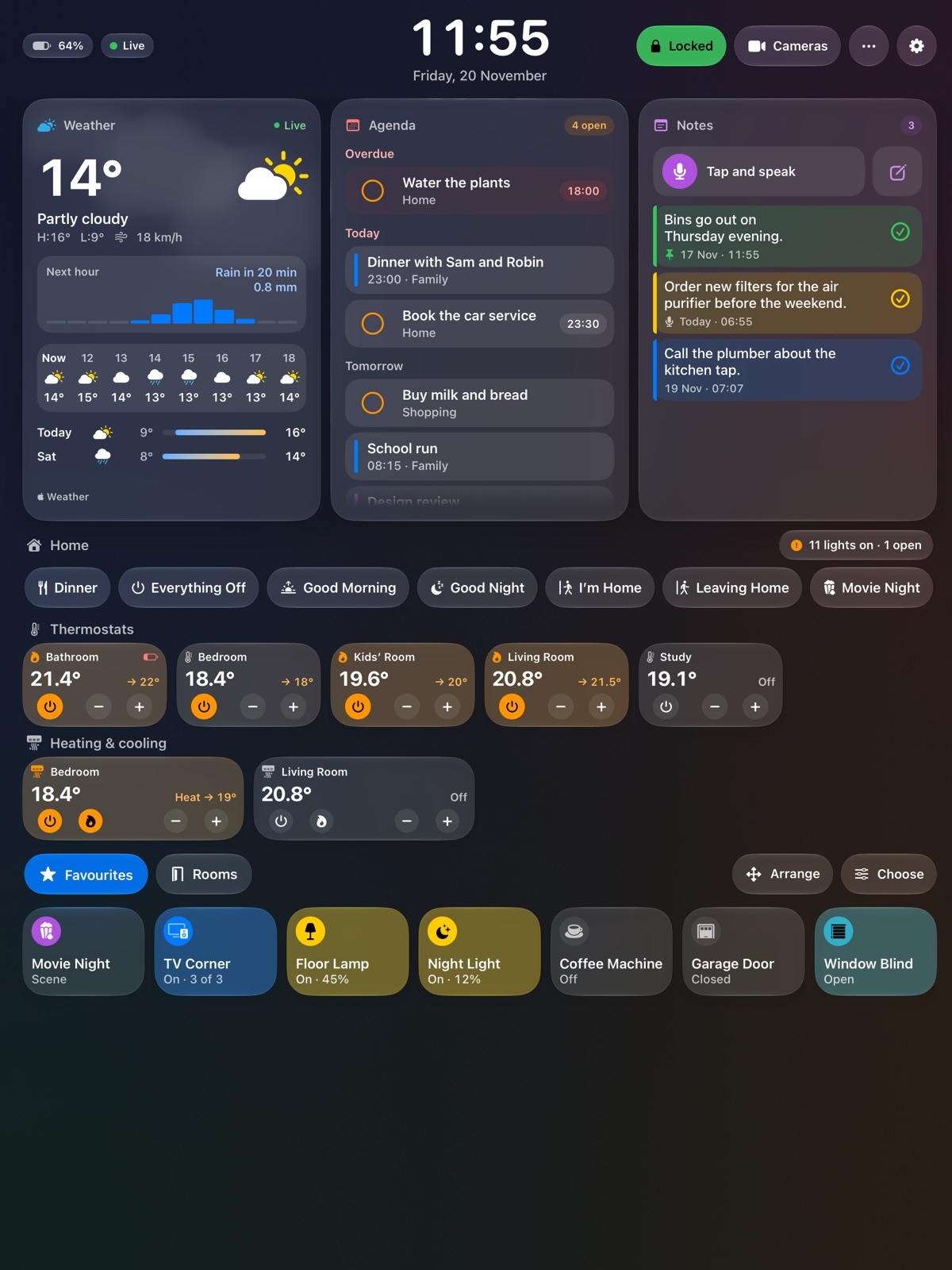
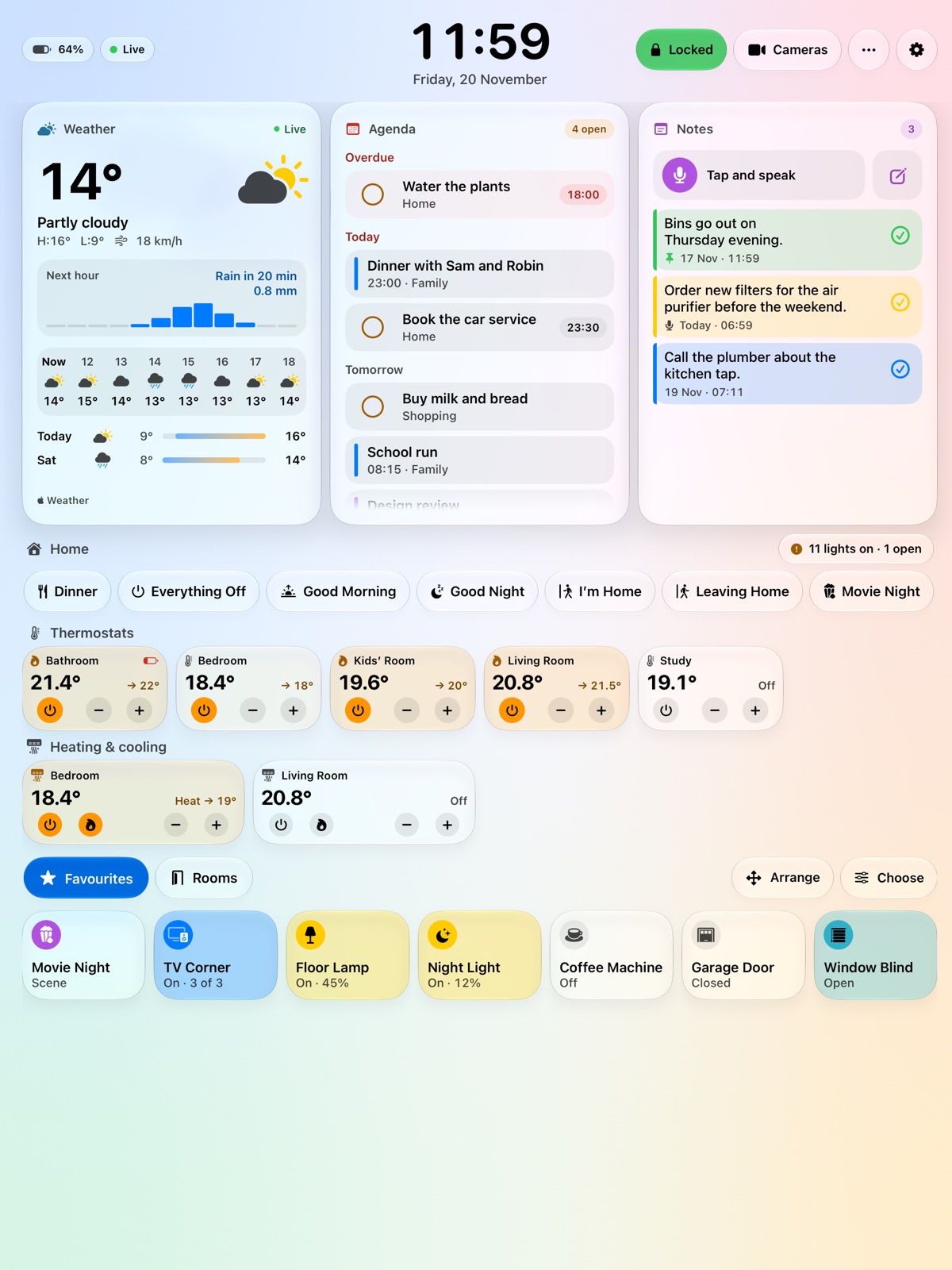
The board on an upright iPad: the clock, the weather, the agenda and notes, and below them scenes, thermostats and the favourite lights and plugs of the home. The same board in its light look.

One screen for the whole house. Glance at it on the way out. Touch it once to turn off every light. See at once who is at the door.

Doorbell

An ordinary afternoon.

The board shows the day as it is. Then somebody rings.

Doorbell

See who is there.

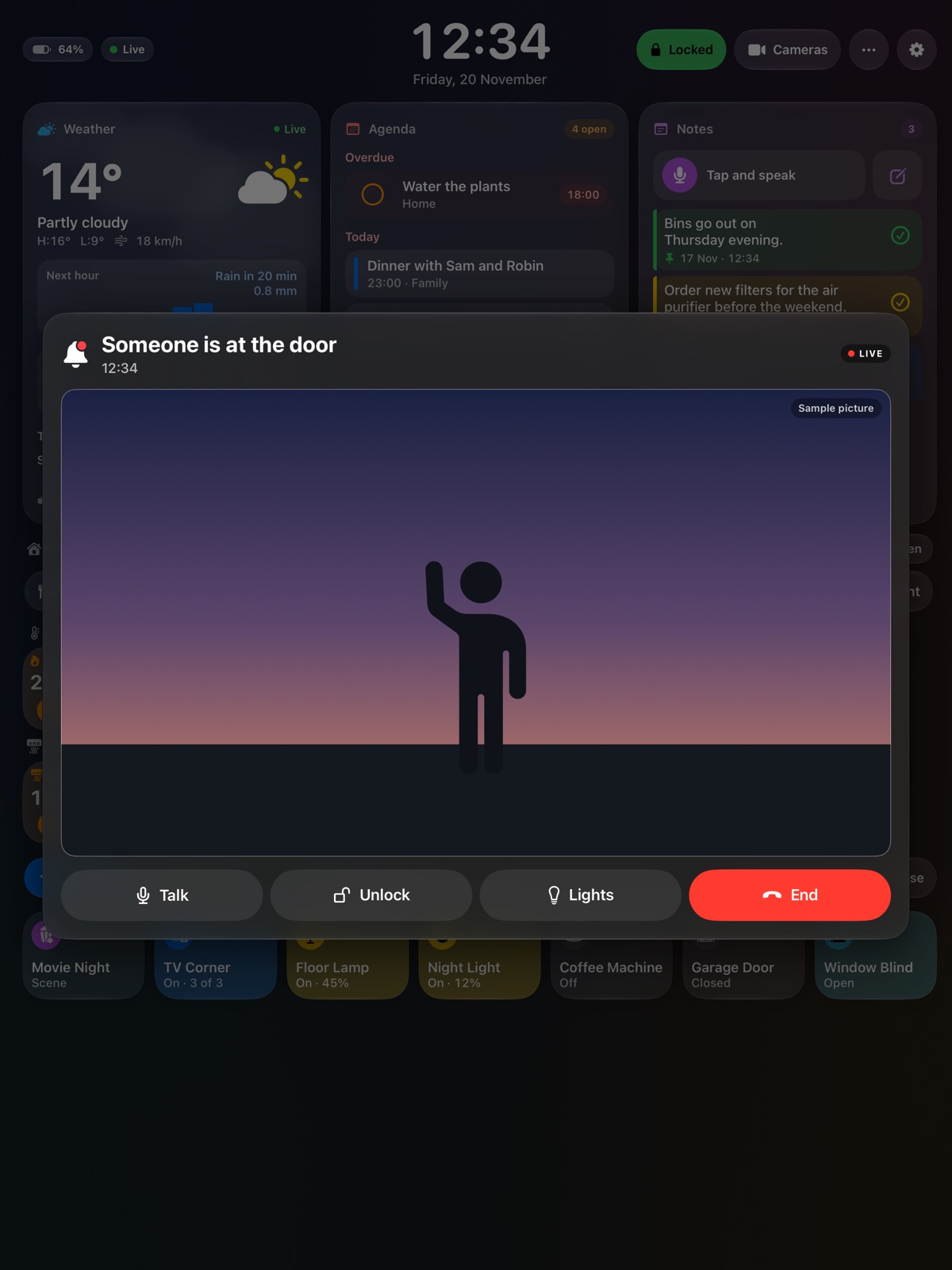
The door's camera opens over the board, live. Talk to them, unlock the door or switch on the light outside, each with one touch.

Visitors

And who came while you were out.

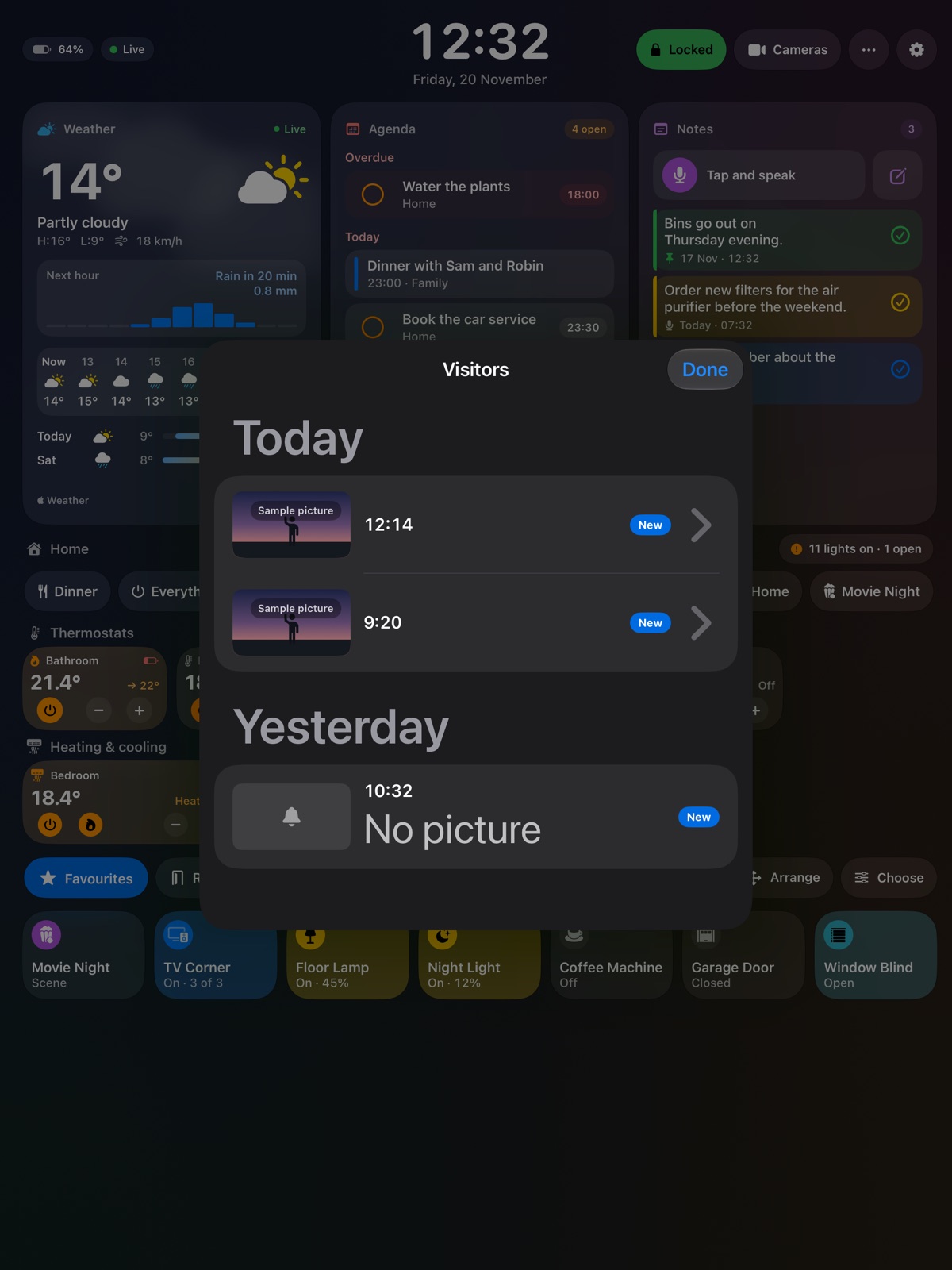
Hallboard keeps a picture of everyone who rang, by day. The pictures stay on the iPad.

The board on a quiet afternoon. Someone is at the door: the door's camera live over the board, with buttons to talk, unlock, switch on lights and end. The list of visitors: who rang today and yesterday, each with the time and a picture.

Your home

Every light, lock and radiator. One touch away.

Hallboard shows the Apple Home you already have. Nothing to install on another computer, no hub to buy, no account to make.

Lights that answer at once

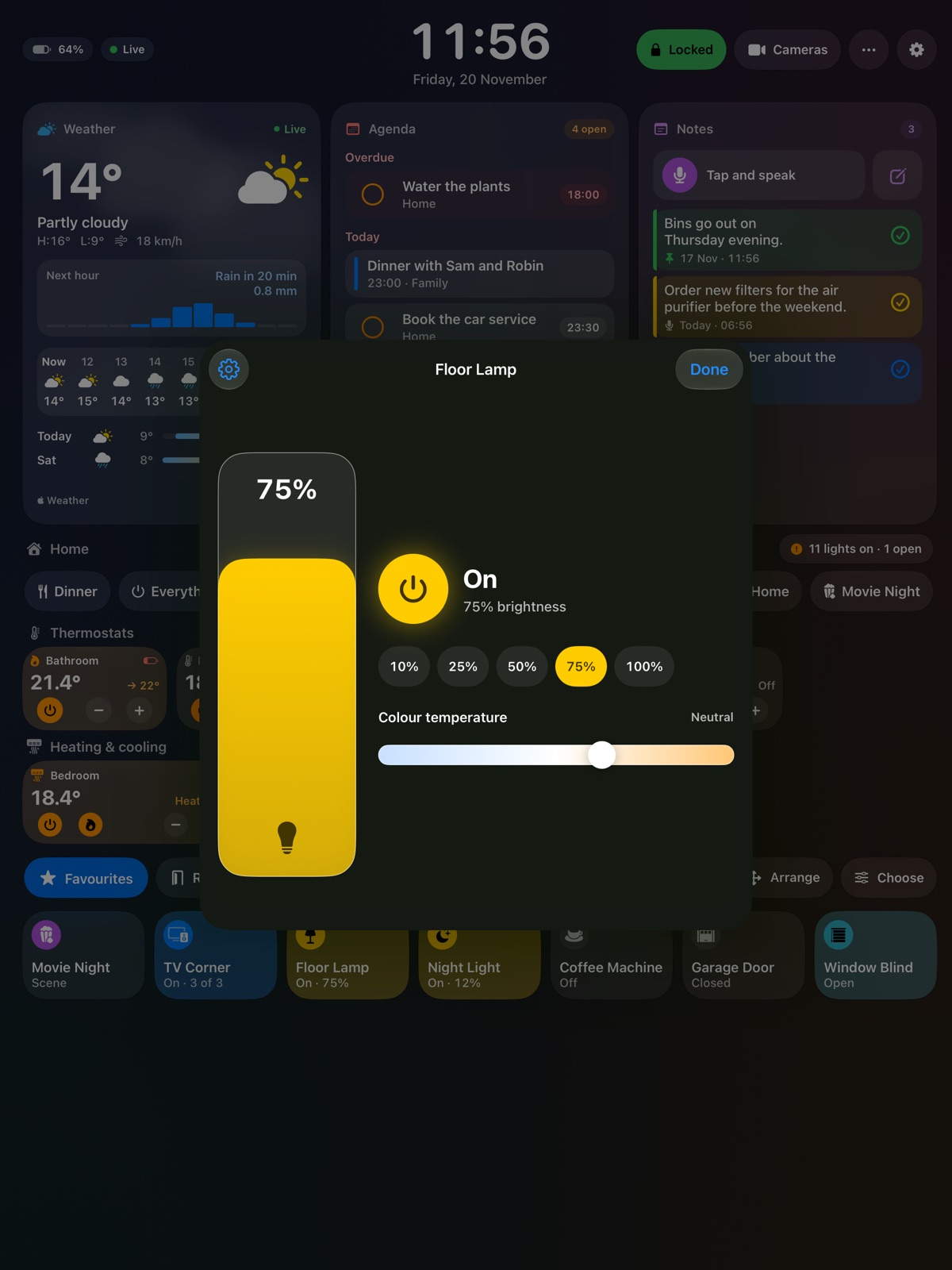
A touch switches a light. Its own page has brightness, colour and the shades of white. Try this one.

Floor LampOn · 45%

Colour and warmth

The whole lamp is the slider.

A floor lamp's controls over the board: a tall brightness slider at 75%, steps from 10 to 100%, and colour temperature.

Heating and cooling

Thermostats and air conditioners with their own − and +.
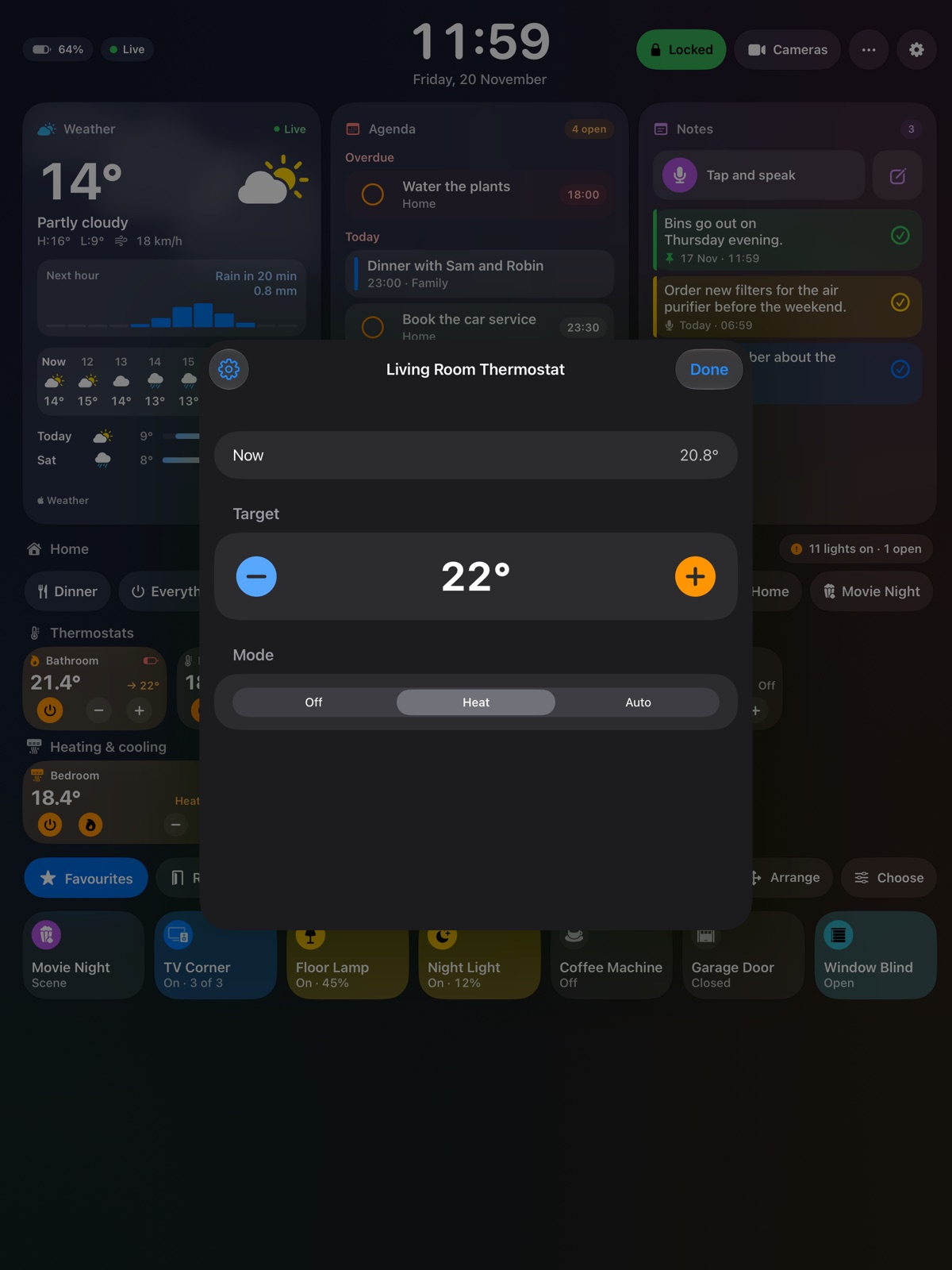
The living room thermostat over the board: 20.8° now, a target of 22°, and the modes off, heat and auto.

Cameras, live

Every camera of the home side by side.
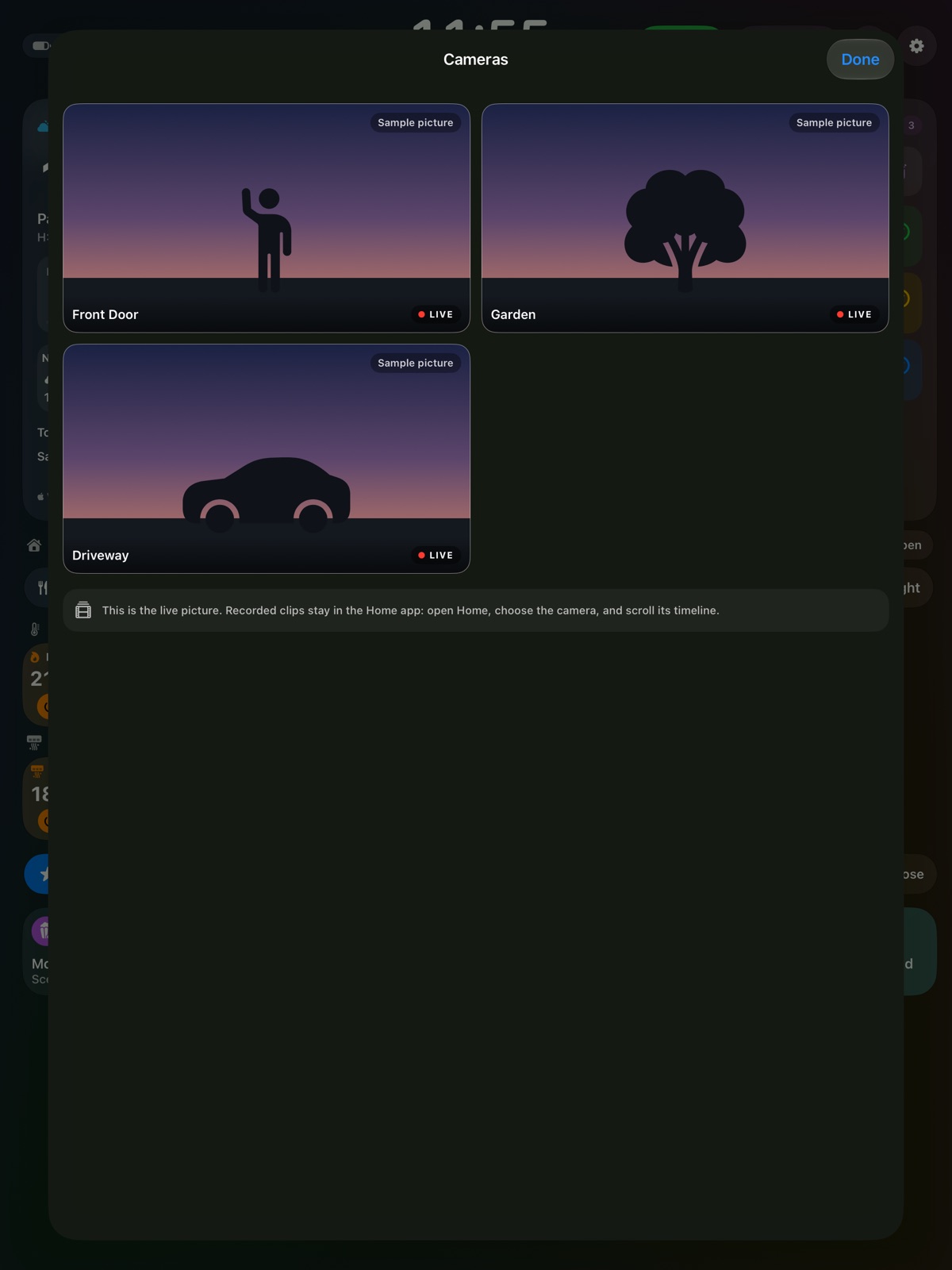
Three cameras live: the front door, the garden and the driveway.

Room by room

Favourites first, every room one touch further.
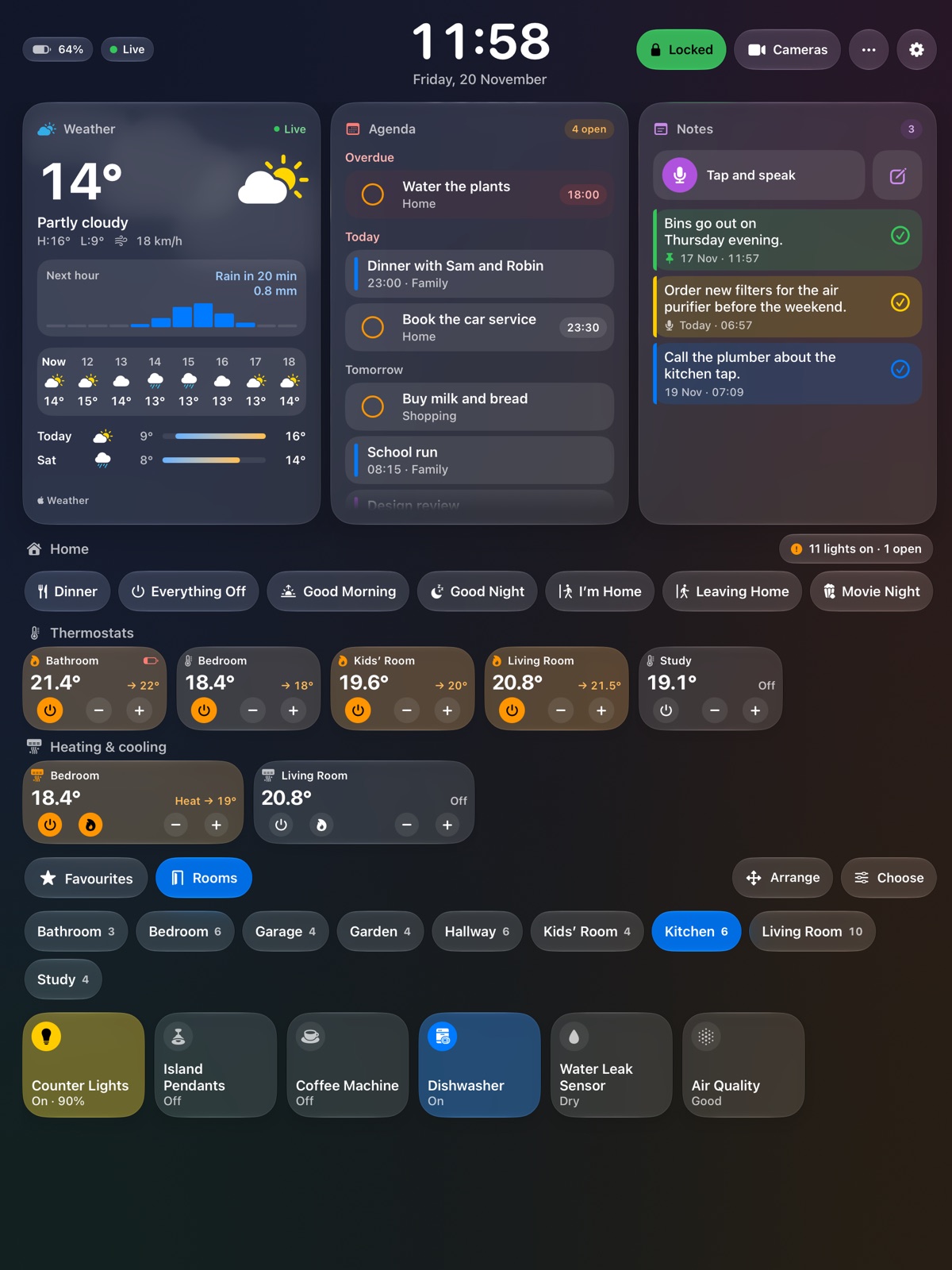
The board with the kitchen chosen: counter lights, pendants, coffee machine, dishwasher, a water leak sensor and air quality.

Scenes, locks, blinds, garage doors and alarms

Good Morning, Leaving Home, Movie Night: your scenes sit in a row across the board. Locks and alarms ask before they open, so a passing hand changes nothing.

Kitchen timers

Pasta, oven, tea. All at once.

Start a timer with one touch and give it a name if you like. Every running timer shows at the top of the board until it is done.

These are running now. Add one.
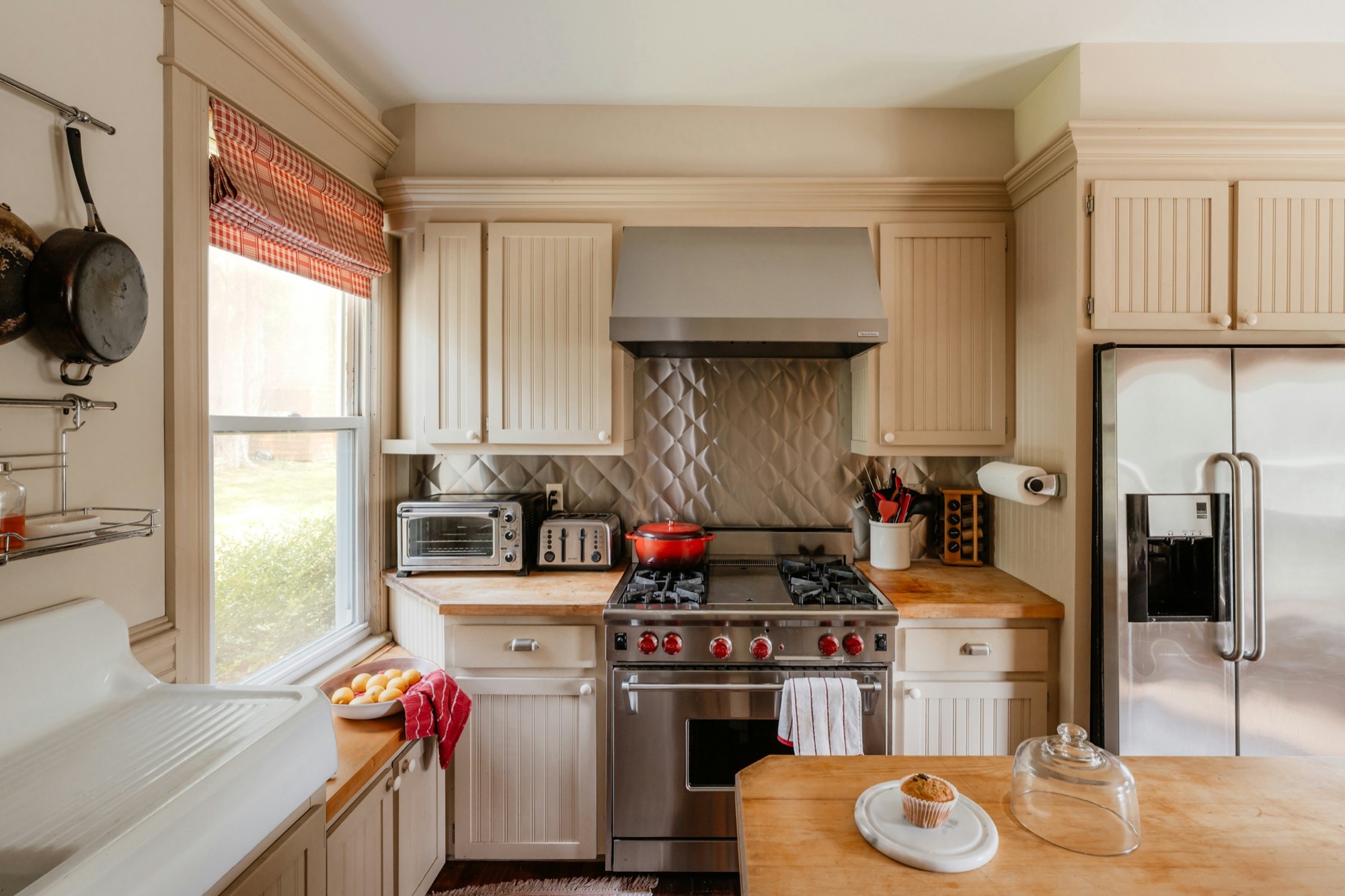
A cream kitchen with a range, a wooden worktop and a window.
Timer

Running

New timer

A drawing of the board's timer page; it counts for real.

Your day

What today looks like, before you ask.

Weather, calendar, reminders, notes, headlines and music share the top of the board. Choose which of them you want and how large.
The board: weather, agenda and notes across the top.The board in its light look: weather, agenda and notes across the top.
Weather, calendar, notesRain in the next hour and the week ahead. Tick a reminder on the wall and it is done on every device. Notes typed or spoken.
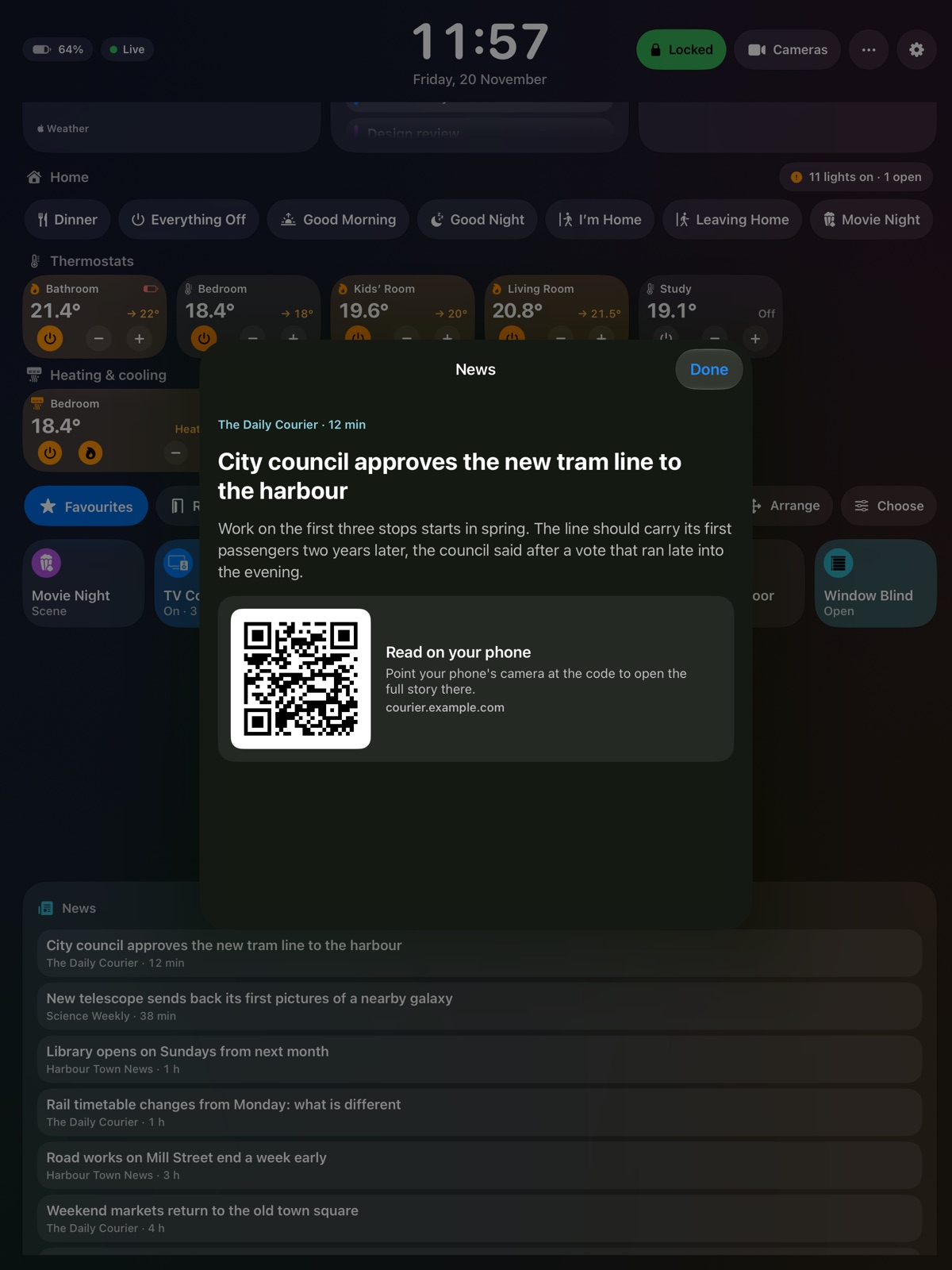
A news story opened on the board, with a code to read the full story on a phone.
HeadlinesFrom the news sites you choose. A code hands the full story to your phone.
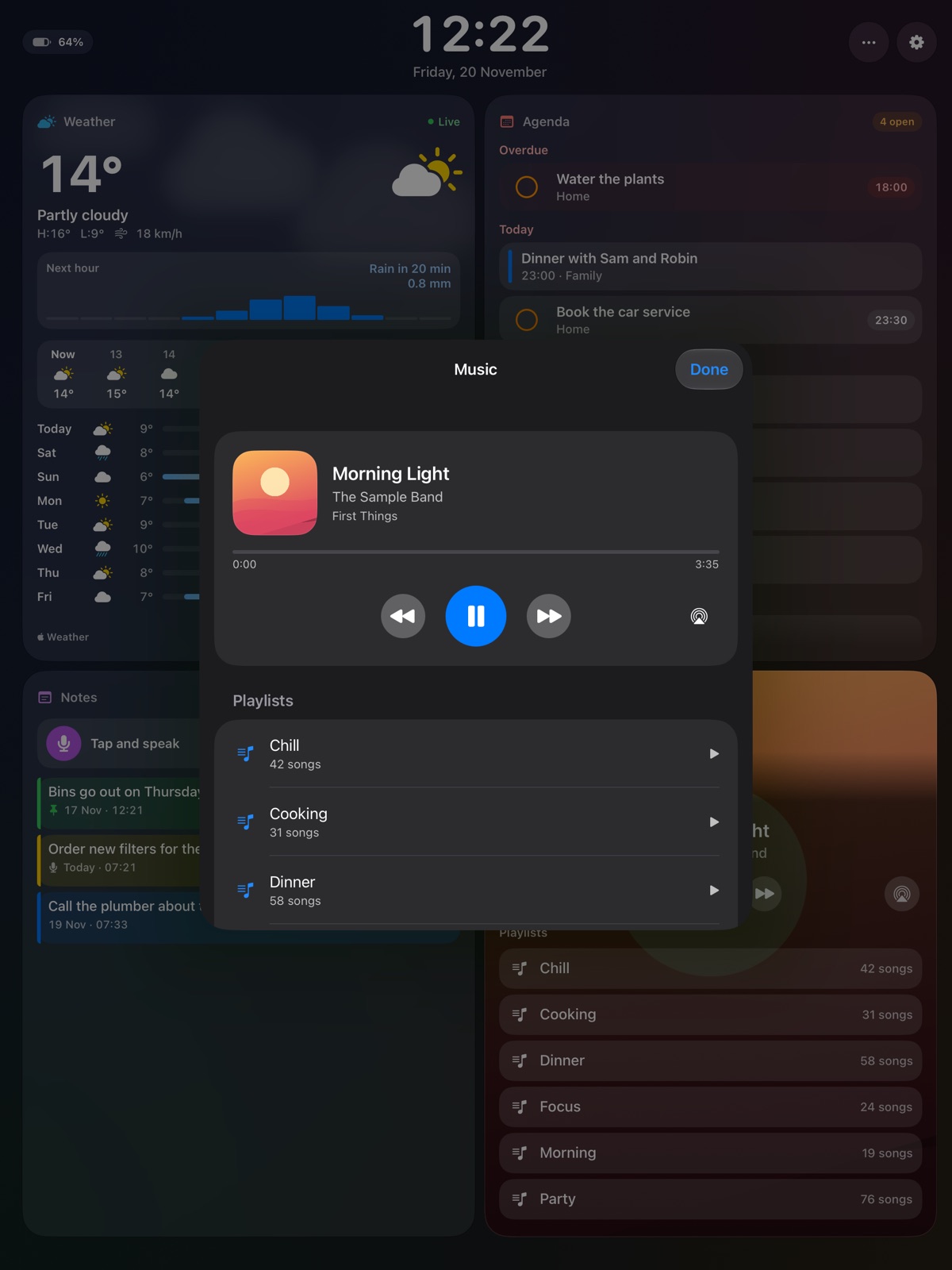
The music page: what is playing, with play, pause and skip, and playlists below.
MusicWhat is playing, with play, pause, skip and your playlists.

Your family

Who feeds the cat is no longer a question.

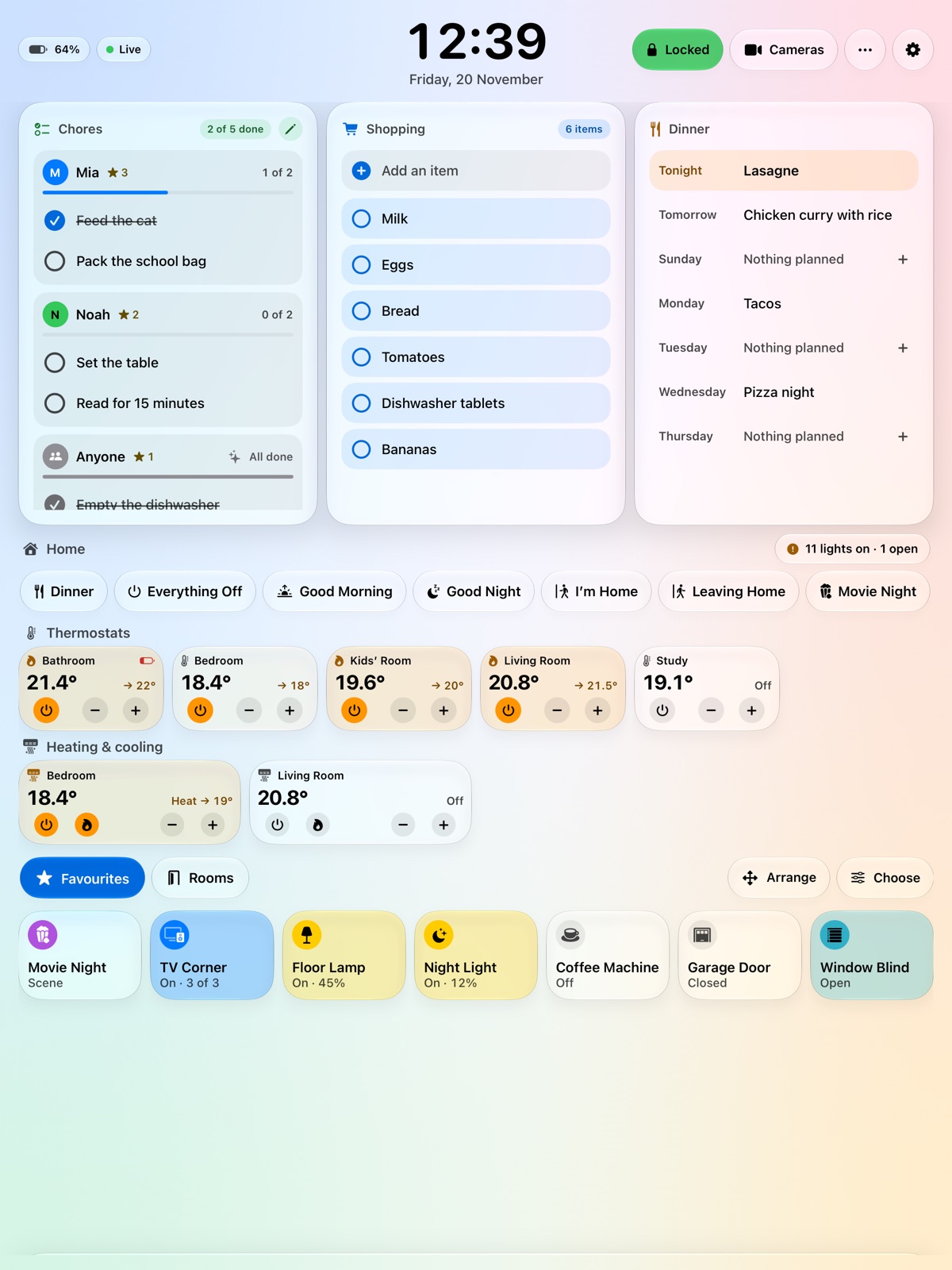
  • Chores for each personTicked off on the board, with stars for the ones done.
  • The shopping listOn the board, or in a Reminders list everyone shares from their phone.
  • Dinner this weekTonight's meal large, the rest of the week below it.
  • CountdownsTo the days that matter, in days or in sleeps.
The board in its light look with the family's parts: chores for Mia and Noah, the shopping list and the week's dinners.

Made for the wall

It lives there. So it behaves.

In the hall, by the kitchen door, at the foot of the stairs: wherever everyone passes. An iPad that hangs there all year has other needs than one in a bag.
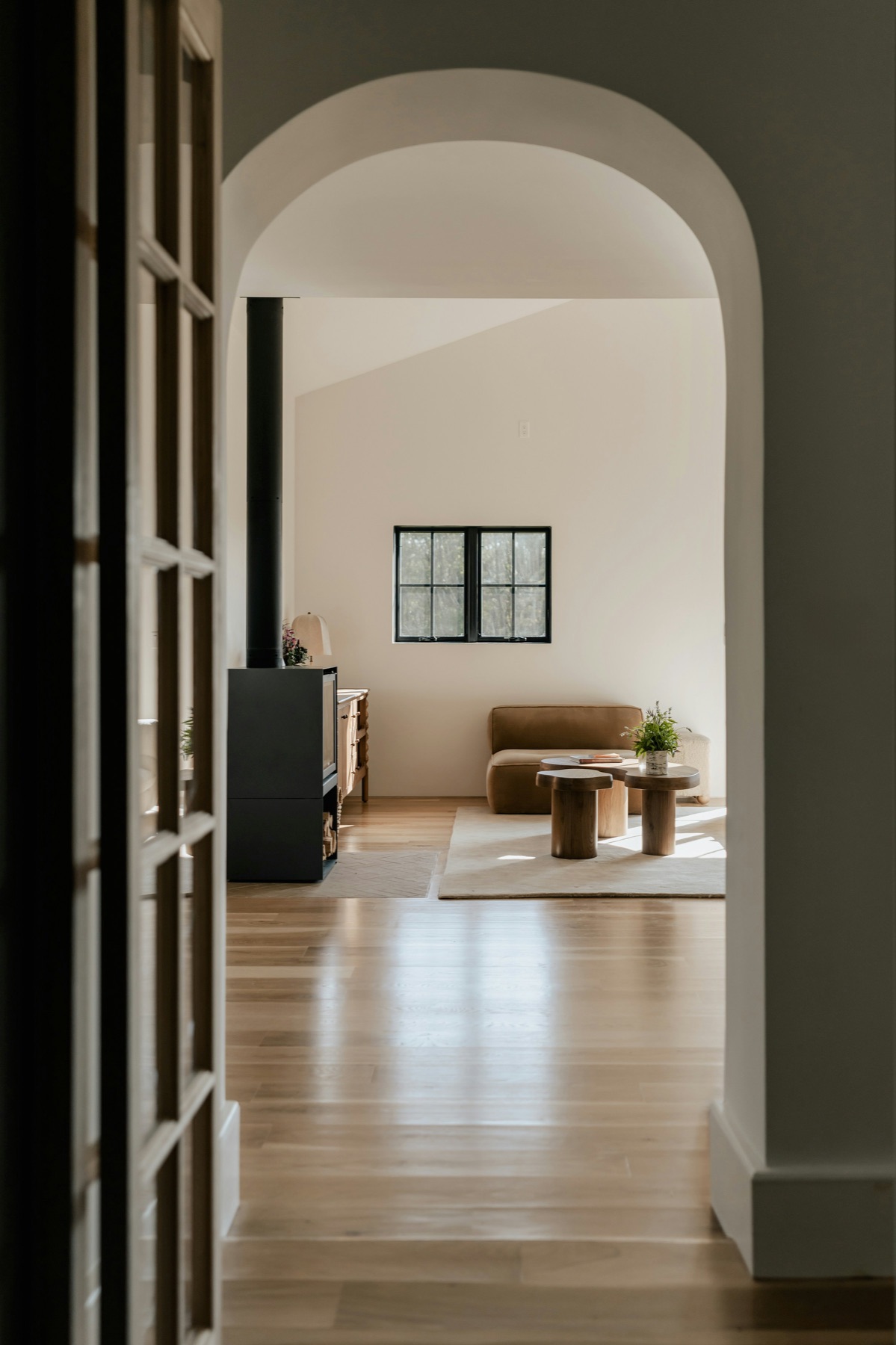
An arched doorway from a hall into a bright living room with a wooden floor.

A photo frame when nobody is near

Your pictures with the time, until someone comes close.
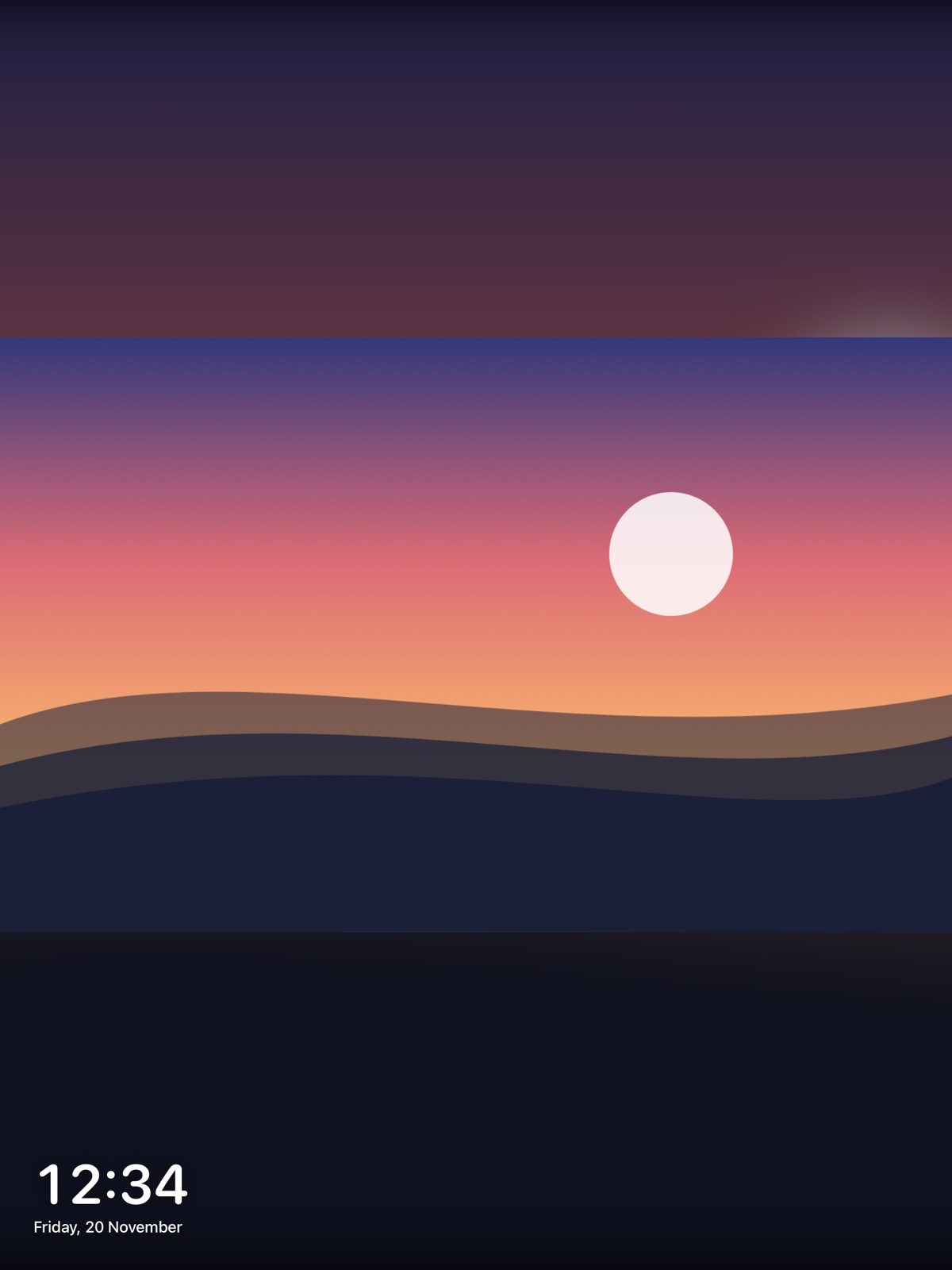
The photo frame: a sunset over hills with the time in a corner.

Arrange it your way

Lift any part and put it elsewhere. Make it larger, smaller, or leave it out.
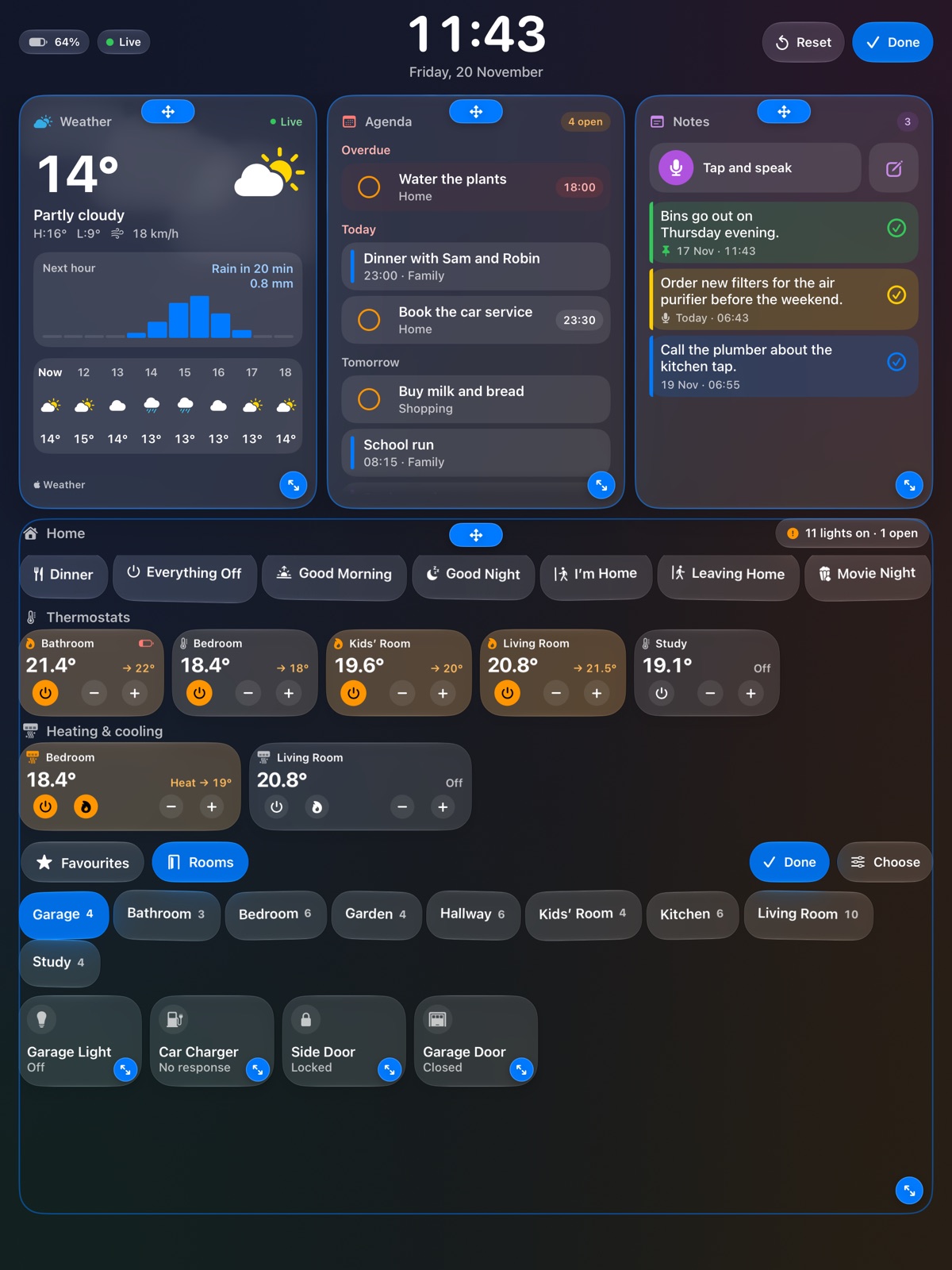
Arranging the board: every part has handles to move it and to change its size.

Guest Wi-Fi

Guests point their phone at the board and are online.
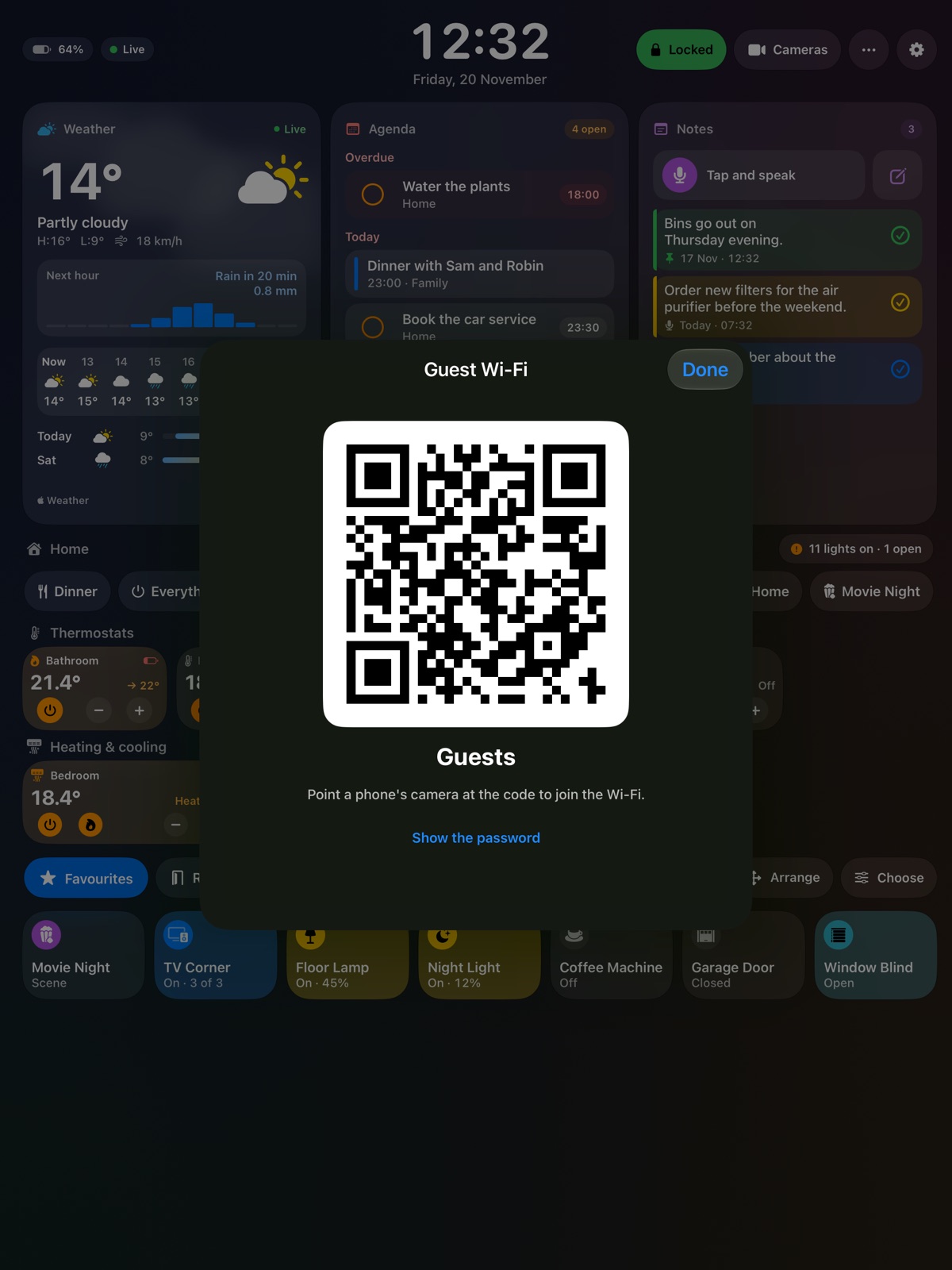
The guest Wi-Fi as a code to scan, over the board.

Battery care

With a smart plug of your home, Hallboard charges the iPad only when it needs it. An iPad that is always plugged in keeps its battery longer.

Dims at night, wakes for you

The board goes dark when the house sleeps and lights up when someone comes near.

The look

Glass that suits your wall.

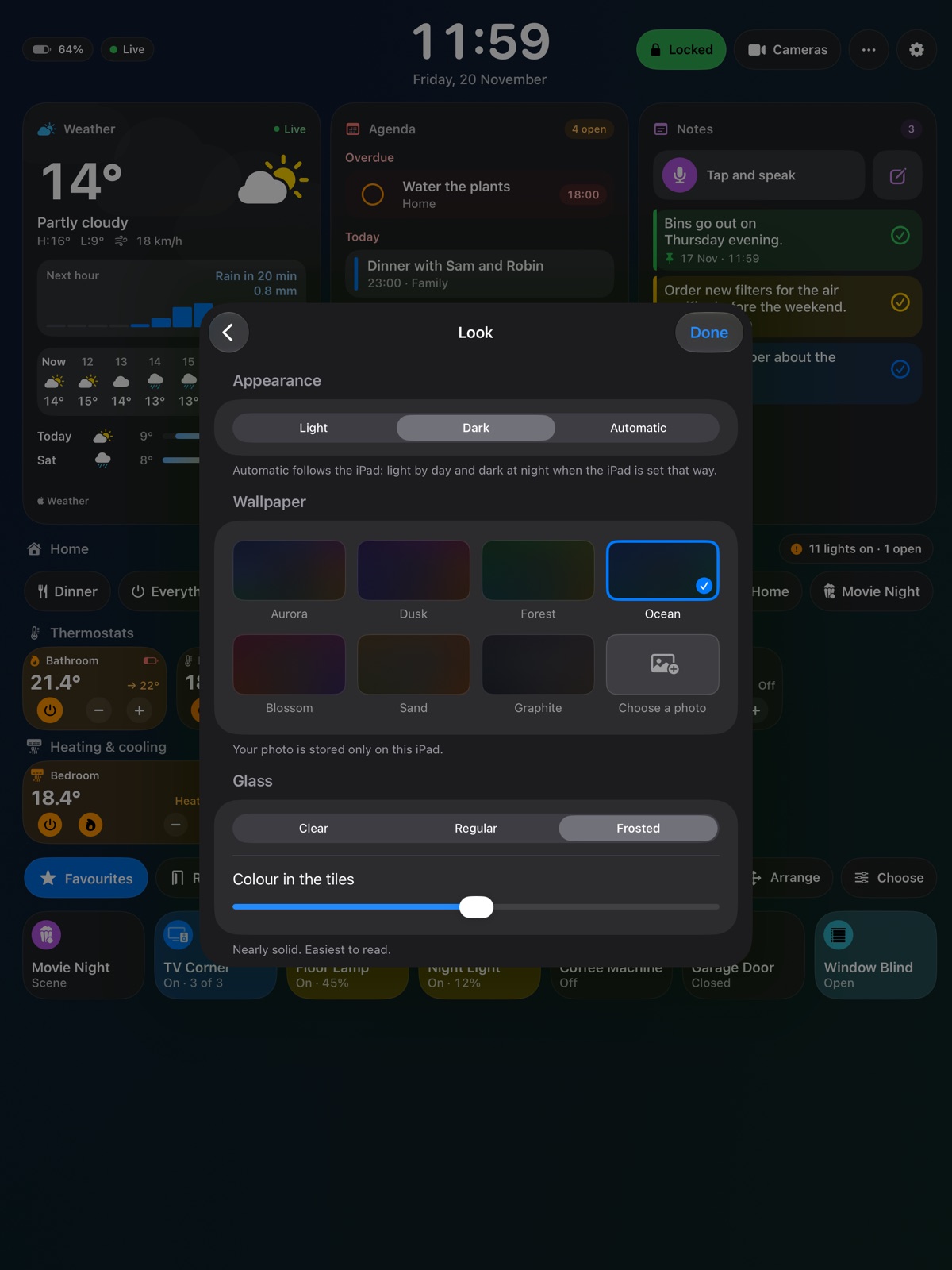
Light, dark, or light by day and dark at night. Seven wallpapers or a photo of your own, glass that is clear, regular or frosted, and tiles with as much colour as you like.
The board in its light look.
LightFor a bright hall.
The board in its dark look.
DarkEasy on the eyes in the evening.
The Look page of Settings: appearance, wallpapers, glass and colour in the tiles.
YoursWallpaper, glass and colour, chosen on the board itself.

Everything

All that Hallboard does.

Home

  • Lights: on, off, brightness, colour, shades of white
  • Plugs and switches
  • Blinds and windows
  • Fans
  • Locks, with a question before they open
  • Garage doors
  • Alarms
  • Sprinklers
  • Thermostats
  • Air conditioners: heat, cool, auto
  • Sensors: temperature, air quality, water leaks
  • Scenes
  • Rooms and favourites
  • Tiles in three sizes, with icons you choose
  • How many lights are on, at a glance

Door and cameras

  • The doorbell opens over the board
  • Talk to the person at the door
  • Unlock and switch on lights from the same page
  • Every camera live, side by side
  • Visitors: who rang, with picture and time

Day

  • Clock and date
  • Weather now, by the hour and for the week
  • Rain in the next hour
  • Calendars you choose
  • Reminders, ticked off on the wall
  • Notes, typed or spoken, in colours
  • Headlines from news sites you add
  • A story's summary, and a code to read on
  • Music: playing now, play, pause, skip
  • Playlists
  • Kitchen timers, several at once, with names

Family

  • Chores for each person
  • Stars for chores done
  • Shopping list, also shared through Reminders
  • Dinner for each day of the week
  • Countdowns in days or sleeps

For the wall

  • Upright or on its side
  • Every iPad from the mini to the 13-inch
  • Move and resize every part of the board
  • Leave out what you do not use
  • Photo frame when idle
  • Dims at night, wakes when someone comes near
  • Battery care with a smart plug
  • Guest Wi-Fi as a code to scan
  • Metric or US units

Look

  • Light, dark or automatic
  • Seven wallpapers, or your own photo
  • Clear, regular or frosted glass
  • Accent colours, and colour in the tiles
  • Follows the iPad's text size

Private

  • No account and no sign-in
  • No advertising, no tracking
  • No server of ours
  • A sample home to try before you allow anything

What happens at home stays on the iPad.

Your home, your calendar, your notes and your photos never leave it. Hallboard has no server of ours to send anything to. What it reads, and why, is written out on the privacy page.

No accountNothing to sign in to
No advertisingNot now, not later
No trackingNo analytics in the app
No hubYour Apple Home is enough

Price

Free to hang up. One week to try it all.

Free

For as long as you like

The clock, the weather and one room of your home.

The full board

One week free

After that by the year, or bought once and kept. The App Store shows the price for your country, and Apple handles the payment.

Look around first: Hallboard comes with a sample home, so you can try everything before you allow anything. The home part needs an Apple Home (HomeKit). The calendar, weather, notes and family parts work without one.

Coming to the App Store